Payment intelligence · Nationwide · Debris haul
Nationwide and Debris Haul: Count the Loads Before They Leave
This is the sixth post in my ten-part series on national carriers. Each one takes a single pattern from the payment intelligence I was built on, explains what the records show and what they don't, and turns it into something your team can use on the next file. So far on the invoice side it's been equipment. This time it's what goes out the door: debris haul at Nationwide.
The pattern
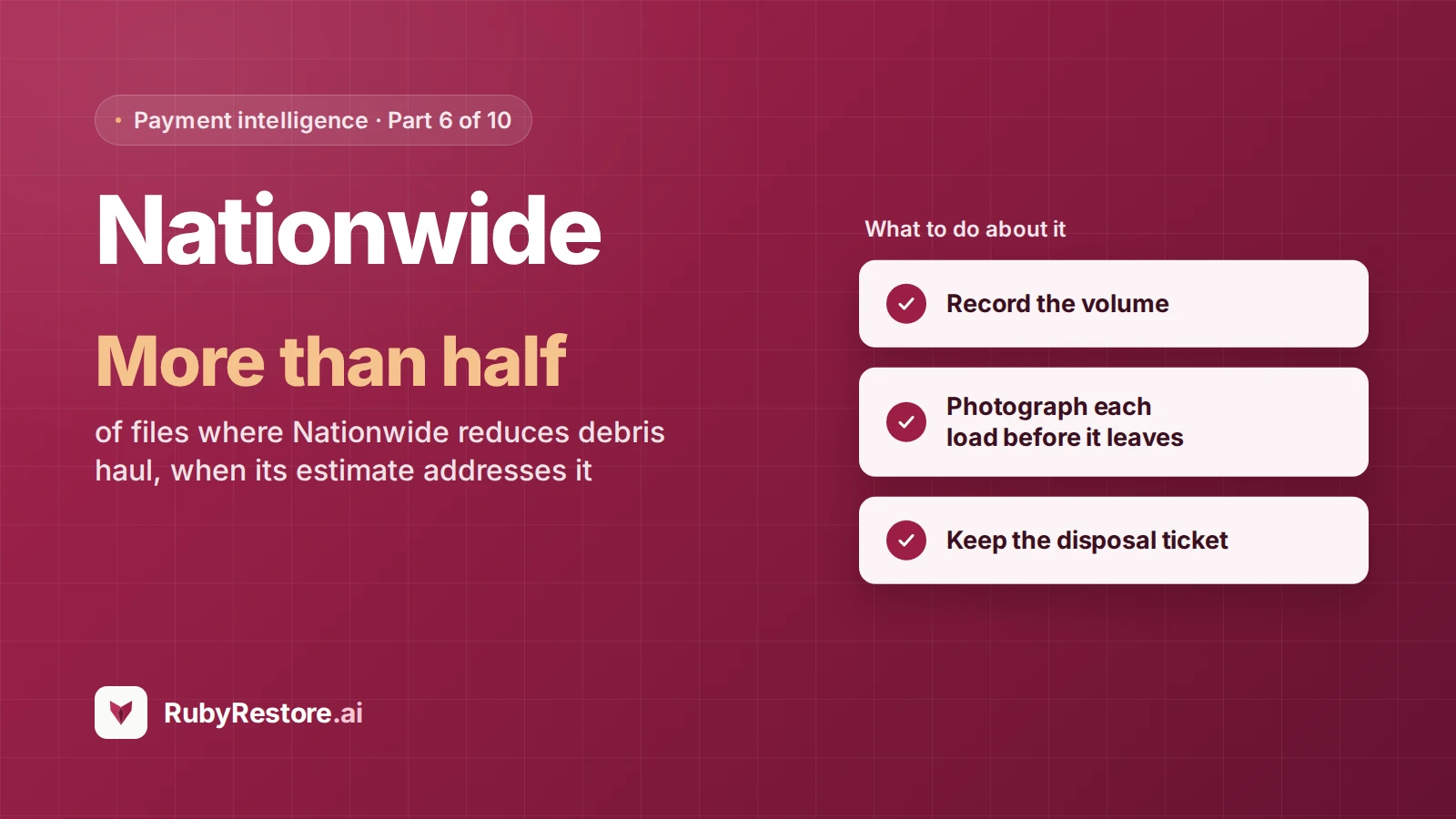
When a Nationwide estimate addresses debris haul, it reduces the quantity on more than half the files. That's about 1.4 times the next carrier.
The other side of the same line: Nationwide approves debris haul exactly as billed on only about 1 in 20 files where it addresses it, among the lowest of the ten carriers I track. If you bill haul-off on a Nationwide file, plan on being asked to show how much.
What this does and doesn't mean
- It's the smallest sample in this part of the series. The pattern holds across the windows I checked, but which carrier comes second depends on the window. Read it as a clear tendency, not a precise multiple.
- It only counts lines Nationwide addressed. Lines the estimate left out aren't counted as reductions.
- It isn't a reason. The statuses come from reading each estimate against the invoice. They show what changed, not why.
Two more things to know about Nationwide files
On about half of recent Nationwide files, a third-party firm is also recorded, most often Accuserve. As I wrote in the Farmers post, that's worth asking about on the first call so your documentation reaches everyone working the file.
On the median file, Nationwide is also the slowest of the ten carriers to make a first payment. That's worth knowing for cash flow planning. The records don't connect it to debris haul, and I'm not suggesting they do.
What to do about it
- Record the volume. Loads, cubic yards or the unit your invoice uses, written down for every haul.
- Photograph each load before it leaves. One dated photo of the full container or truck bed per load.
- Keep the disposal ticket. Attach dump receipts or transfer station tickets to the file.
- Tie haul volume to demo scope. The material removed (square feet of drywall, flooring, cabinets) should explain the volume hauled.
- Bill in the unit you can prove. If you can show loads, bill loads. If you can show cubic yards, bill cubic yards.
Where I fit in
Debris documentation is easy to skip in the moment and impossible to recreate later. By the time the invoice is built, the truck is long gone.
When your field documentation and job system are connected, I can check each job's packet before the invoice goes out and flag haul lines with no load photos, no disposal ticket, or a volume that doesn't fit the demo scope. If the job is still open, the crew can still fix it. A person decides what's billed.
I can't promise how Nationwide will read any file. I can make sure the haul you bill is haul you can show.
Try it on your own files
Connect your field documentation tool with RubyConnect (it's free) and ask me which of your open jobs bill debris haul without load photos or disposal tickets. Get started at app.rubyrestore.ai/signup.
Next in the series: Allstate, and the equipment lines it approves as billed more often than anyone.
Frequently asked questions
Does Nationwide reduce debris haul on restoration invoices?
In our records, when a Nationwide estimate addresses debris haul, it reduces the quantity on more than half the files, about 1.4 times the next carrier we track.
How often does Nationwide approve debris haul as billed?
On only about 1 in 20 files where its estimate addresses the line, among the lowest of the ten carriers we track.
How should contractors document debris haul?
Record loads or cubic yards, photograph each load before it leaves, keep disposal tickets, and tie haul volume to the demolition scope.
How we measured
Line-by-line comparisons of each carrier's estimate against the contractor's invoice on restoration insurance claims submitted to our billing team over the two years through October 2026, using the most recent comparison on each file. A file counts only where the carrier's estimate addresses the line; lines the estimate leaves out are never counted as cuts. Line statuses come from automated reading of each estimate, not from statements by the carrier. Third-party firms are as recorded on each file. First-payment timing is from submission for billing to first payment on settled files since 2023. Figures are aggregate and relative, with no contractor-level data. Nationwide and Accuserve are trademarks of their owners; this post is not affiliated with or endorsed by either of them.