ai · restoration · restoration contractor · starting with AI · restoration operations · AI for restoration · restoration AI · AI adoption
AI for Restoration Companies: How to Choose One Without Taking Anyone's Word for It
Almost every software vendor in restoration has added the term “AI” to their homepage this year. We're one of them, so take this guide with the right amount of salt. But the method below works on any vendor, and we'd rather you choose well than choose us by default. Here's how to cut through the pitch and do a proper evaluation of an AI tool before you trust your business to it.
1. Start with the job, not the tool
Before you look at a single product, write down five tasks you'd want to be automated. Be specific: instead of saying something generic like “save time” use specific language like “draft the follow-up to the homeowner after a pack-out” or “check whether this file is ready to submit.”
Then be honest about which kind of task each one is.
Some of these don't need a restoration AI at all. A general model like ChatGPT or Claude, at around $20 a month, is genuinely good at:
- Drafting customer emails and texts
- Summarizing a long email thread with an adjuster
- Writing job postings and onboarding docs
- Cleaning up SOPs and training material
- Marketing copy and social posts
If your list is mostly these, buy a general model and stop reading. Anyone who tells you a specialized product is better at writing a polite email is selling you something.
2. Ask where the answer comes from
Tasks that can catch mistakes or maximize billing revenue are different. “Will this file hold up?” “Will the carrier cut these equipment days?” “What did we actually log on the Miller Rd job?” For these, the most important question for any vendor is: where does the answer come from?
A general-purpose model has two blind spots it can't reason its way around:
- It can't see your jobs. Unless it's connected to your field documentation, CRM and billing, it's answering from general knowledge, not from your moisture logs and photos. It will still answer, and the answer will sound confident. That's the problem.
- It doesn't know what carriers pay. Carrier payment behavior isn't systematically published, so it isn't in any model's training data. A general model can explain the IICRC S500, but it can't tell you which documented line items carriers cut in practice, because that knowledge lives inside claims files.
For a sense of the gap: our team has parsed more than 14,000 carrier comparative estimates line by line, and the line items carriers reduced the most weren't exotic. Four of the top five were drying equipment: dehumidifier days, air mover days, negative air machine days, and equipment setup and takedown. The fifth was after-hours labor. That's routine mitigation work, often performed and documented and still reduced. A file can meet the standard of care and still miss the carrier's standard of payment. No model trained on the public internet has seen those estimates.
So ask every vendor directly: Is your answer based on my data, on published standards, on real payment outcomes, or on general training?
3. Test it on a file you already know
Demos are built to impress - your own files aren't. Run this 30-minute test on every AI you're considering, including a free general model as your baseline:
- Pick a closed job where you know how it ended, ideally one that got cut, short-paid or denied.
- Before you share it with any tool, remove homeowner names, addresses and contact details, or use only tools whose data terms you've already checked.
- Ask three questions: Was this file ready to submit? What was the carrier most likely to dispute? Which line items were weakest on documentation?
- Compare the answers with what actually happened.
Then score each tool on three things:
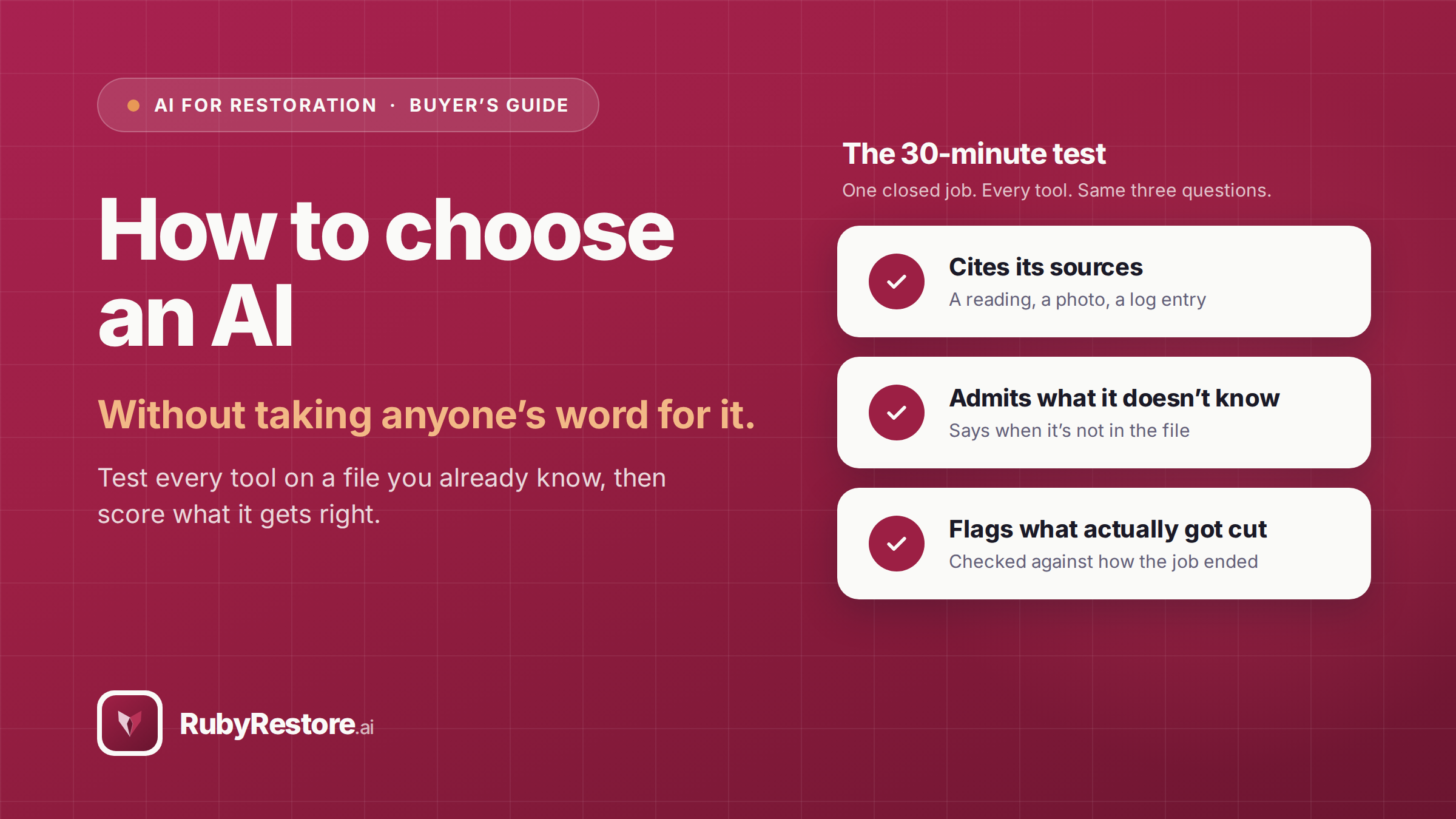
- Did it cite its sources? A reading, a photo, a standard section, a log entry. “Generally, carriers may…” is not a source.
- Did it ever say “I don't know” or “that's not in the file”? A tool that never admits a gap may invent one, and that’s a crucial mistake.
- Was it right? Did it flag the thing that actually got cut?
Thirty minutes of this tells you more than a website, call, or demo ever could.
4. Check what it can touch, and what it can do on its own
This is the question most owners skip and later regret. Before you connect anything to your claims files, get clear answers to:
- Can it send anything outside your company without a person approving it? Emails to adjusters and homeowners should be drafts until someone on your team says otherwise. If a tool can send on its own, that should be a setting you turn on deliberately, never the default.
- Is there an audit trail? You should be able to see every conversation, every automated run and every draft it produced.
- Is your data used to train their models? Get the answer in writing. A must-have is “no training without your written consent.”
- Can you disconnect and get your data deleted? And how quickly? When you disconnect an integration, the application should delete your data after a set period of time, not to exceed 90 days.
If a vendor is vague on any of these, treat a relationship with them as a risk that should be taken into account before signing.
5. Make sure it fits the stack you already run
You already have systems for field docs, estimating, CRM and accounting, and your team already knows them. The right AI works across those tools instead of asking you to move into a new one and learn new processes.
Worth knowing: general chat tools can now connect to business software through open standards like MCP (Model Context Protocol). That's real progress, and for some shops a connected general model will be enough. But connection gives you access, not judgment. A connected off-the-shelf AI model can find your open moisture jobs; whether it knows which of them a carrier will push back on depends on what it was built on, and general training models usually fall short.
6. Pilot one workflow, measure one number
Don't roll AI out across the company on day one. Pick one workflow, run it for a month and track one number:
- Documentation gaps caught before submission
- Hours spent on close-out per job
- Days from job completion to invoice
These are leading indicators. Thirty days is too short to see payment outcomes, so don't judge any tool on dollars recovered in the first month.
If the number doesn't move, the tool didn't earn its place. Favor vendors with a free tier or a short pilot, so finding that out costs you nothing.
Red flags
Here are the things that should immediately throw up a red flag for a restoration AI tool:
- Autonomy that's on by default, or that you can't switch off
- Can't explain where an answer came from
- Never says “I don't know”
- Requires you to replace your field or estimating software
- Claims it will get every invoice paid in full (nobody can promise that)
- Requires you to sign a contract before you've tested it on your own files
The short version
Ask this: Is this a writing task or a judgment task?
Good answer: Writing: a general model is fine. Judgment: keep going.
Ask this: Where does the answer come from?
Good answer: Your data, cited standards, real payment outcomes.
Ask this: How did it do on a file you already know?
Good answer: Cited sources, admitted gaps, flagged what actually got cut.
Ask this: What can it do without approval?
Good answer: Read and draft. Not send.
Ask this: Does it fit your current stack?
Good answer: Connects to it, doesn't replace it.
Ask this: Can you pilot it cheaply?
Good answer: Free tier or short trial, one metric.
Where Ruby fits
We built Ruby at RubyRestore because it provides something a general AI can't: critical judgment and data-based decisions based on a decade of carrier data and payment intelligence from 100,000 claims. She connects to the tools you already run, grounds her answers in your job records and published trade standards, and draws on that data for every answer whenever a carrier is involved. By default she drafts and your people decide, so connections start read-only and wait for a person's approval, unless an admin decides otherwise.
Ruby AI is free to start – you can learn more and sign up for a free trial here.
Methodology: Figures come from more than 14,000 carrier comparative estimates (as of November 2026) on claims submitted between January 2022 and November 2026, parsed at line-item level by the One Claim Solution (OCS) team. They span 124 restoration contractors in 32 states and are the claim files that included a carrier comparative estimate suitable for line-item parsing. Line categories and cut reasons are classifier output, not statements from carriers. Line items are ranked by total dollars cut or reduced, excluding lines the carrier's estimate did not address.